
Python in Excel for Business Reports (No Coding Fear)
Microsoft Excel now allows you to run Python code directly inside worksheets using the =PY() function. This means:
Python in Excel for Business Reports
Advanced data analysis
Machine learning models
Data cleaning automation
Statistical calculations
Powerful visualizations
All inside your familiar Excel environment.
No switching tools. No complicated setup. No coding fear.
Why Business Professionals Should Care
Here’s why Python in Excel is a game-changer for business reports:
1️⃣ Advanced Data Cleaning in Seconds
Messy sales data? Duplicate records? Inconsistent formatting?
Python can clean thousands of rows instantly.
2️⃣ Automated Financial Analysis
Calculate growth rates, forecasting models, risk analysis, and more — faster than traditional formulas.
3️⃣ Powerful Visualizations
Create advanced charts beyond standard Excel visuals.
4️⃣ Forecasting & Predictive Reporting
Want to predict next month’s revenue? Python makes forecasting easier using built-in libraries.
Real Business Use Cases
Here’s how professionals are using Python in Excel:
📊 Sales Reporting
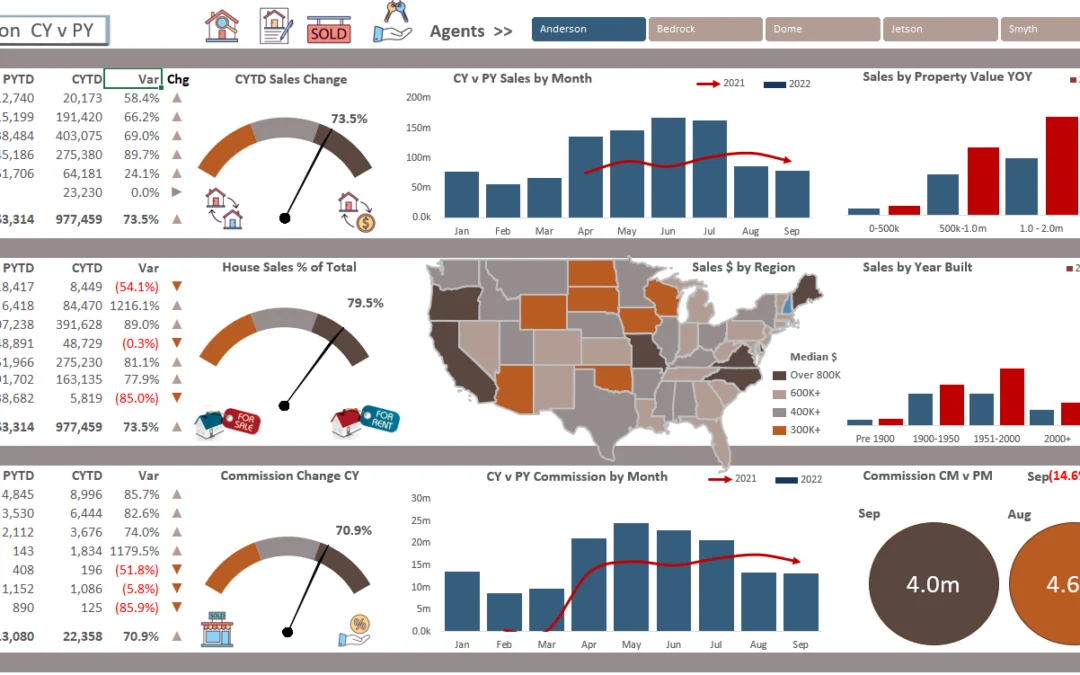
Automated monthly performance dashboards
Revenue forecasting
Customer trend analysis
💰 Finance & Accounting
Profitability analysis
Budget forecasting
Cash flow modeling
👥 HR Analytics
Employee attrition analysis
Performance metrics
Salary structure insights
📦 Operations & Inventory
Stock level forecasting
Demand prediction
Supply chain analysis
No Coding Fear — Start Simple
You don’t need to be a developer. Start with:
Basic Python formulas inside Excel
Copy-paste simple examples
Use pre-built business templates
At www.readyexcelfiles.com
, we provide 10,000+ ready-to-use Excel templates that help you build professional business reports instantly — even if you don’t know Python.
Python vs Traditional Excel Formulas
Traditional Excel Python in Excel
Complex nested formulas Cleaner readable code
Limited statistical tools Advanced analytics
Manual repetition Automated workflows
Basic forecasting Professional data modeling
The Future of Business Reporting
Combining Excel’s flexibility with Python’s power means:
✔ Faster decisions
✔ Smarter insights
✔ Automated reporting
✔ Professional dashboards
✔ Scalable business analytics
For entrepreneurs and growing businesses, this is a massive competitive advantage.
Final Thoughts
Python in Excel removes the fear of coding while unlocking powerful business intelligence tools.
If you want professionally designed dashboards, financial models, KPI trackers, and ready-made Excel solutions — explore:
👉 www.readyexcelfiles.com
🎯 Get 10,000+ Ready Editable Excel Templates
🚀 Save Time. Work Smarter. Grow Faster.